What Is a Business Text Line (and Why Customers Prefer It Over Calling)
A business text line lets customers message you like a person—without using your personal number. Here’s how it works, what it costs, and when it helps most.
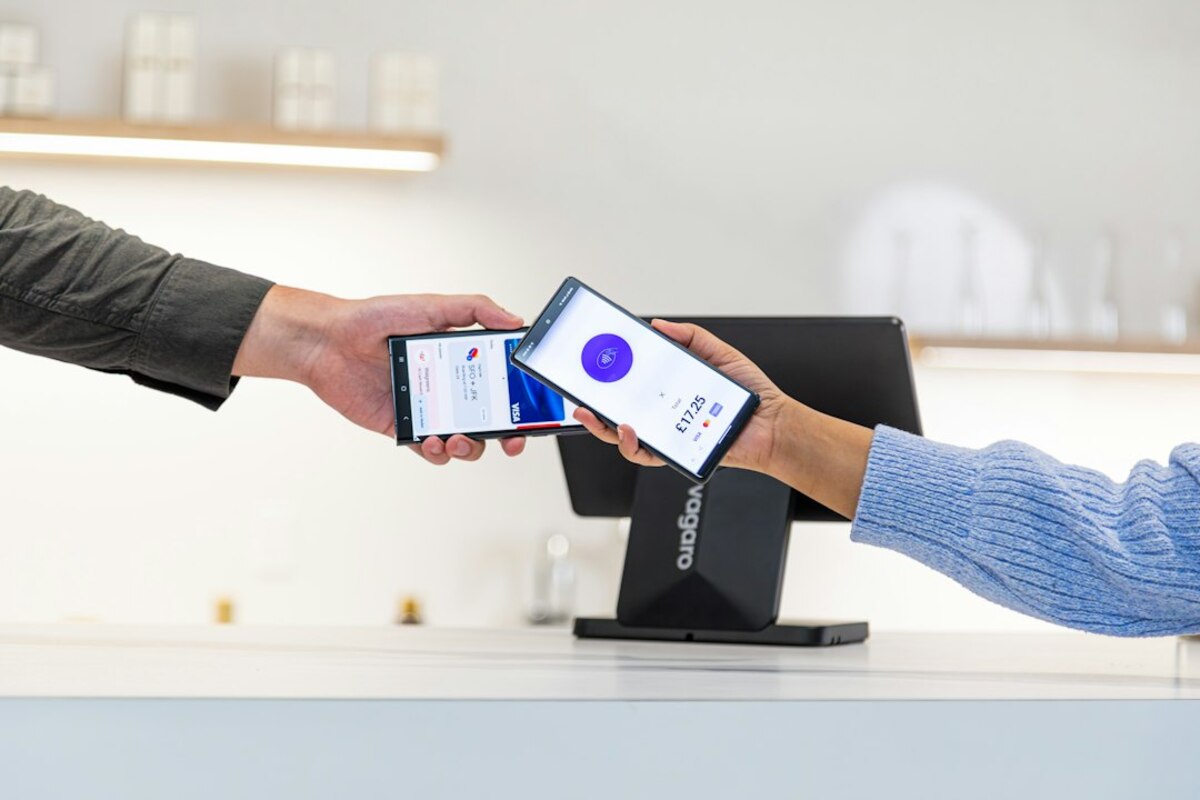
- A business text line can live on a landline, VoIP number, or separate mobile number—customers just text as usual.
- Texting reduces missed calls and “phone tag” by turning quick questions into searchable, shareable messages.
- Clear rules (hours, templates, privacy, and when to switch to a call) keep texting helpful instead of chaotic.
Meet the modern “front desk”: texting instead of waiting on hold
Think about the last time you had a simple question for a business: “Are you open today?”, “Do you have this in stock?”, “Can I move my appointment to 3?” If the only option is calling, you might put it off, forget, or choose another place that answers faster.
A business text line is a phone number customers can text to reach a business. It might be a brand-new number created just for texting, or it might be your existing number (even a landline) that’s been “text-enabled” through a service. To customers, it feels effortless: they open Messages, type a quick question, and expect a quick reply.
To the business, it’s more than convenience. Texting can reduce missed calls, cut down repetitive questions, and create a written record of what was promised (“Yes, your pickup is at 4:30”). It can also make a small business feel more accessible without requiring someone to be on the phone all day.
Here’s a simple real-life scenario: A hair salon gets 30 calls on Saturday. Half are the same three questions: “Do you have openings?”, “What’s your address?”, “Can I bring my kid?” With a business text line, those become quick message replies (often using saved templates). Customers get what they need quietly, and the salon’s phone stops interrupting every haircut.

How a business text line works (without giving out your personal number)
A common hesitation is: “If I text customers, won’t they have my personal number forever?” A business text line solves that by separating business communication from your private life. It’s also designed for shared access—so multiple team members can respond from one inbox.
There are a few common setups:
- Text-enabled existing number: You keep your current business number (even a landline) and add a service that routes texts to an app or dashboard. Customers text the number they already know.
- New dedicated texting number: You get a new local number specifically for texts. This is useful if you want to keep calls on one line and texts on another.
- VoIP/business phone system number: Many modern phone systems include texting built in, so calls and messages are managed together.
Behind the scenes, the texts are usually handled in one of these ways:
- Shared inbox: Staff log into a web dashboard to reply, assign conversations, and see message history.
- Mobile/desktop app: Replies happen in an app—like an “email inbox,” but for SMS.
- Automations and templates: Quick replies for FAQs, appointment reminders, or order updates.
It helps to imagine a business text line like a front-desk notebook everyone can read, instead of a private phone call only one person heard. If a customer says, “I’ll arrive 15 minutes late,” anyone on staff can see it and respond appropriately.
What customers can do via text (common examples):
| Customer need | Typical text message | Business-friendly reply |
|---|---|---|
| Quick availability check | “Any openings today after 5?” | “Yes—5:30 or 6:15. Want me to book one?” |
| Order/pickup status | “Is my order ready?” | “Yes! It’s ready for pickup until 8pm.” |
| Directions & parking | “Where should I park?” | “Use the lot behind the building. Entrance is on Pine St.” |
| Small policy questions | “Do you accept walk-ins?” | “We do when available—text us your preferred time and we’ll check.” |
Notice what’s happening: instead of a call that might go to voicemail, the business can reply when there’s a natural pause—between tasks, between customers, or whenever someone is assigned to messaging.
Two important notes about texting:
- Texting is not always instant. Customers generally tolerate a short delay as long as expectations are clear (for example: “We reply within 1 hour during business hours”).
- Texting isn’t ideal for complex issues. If the situation needs empathy, negotiation, or detailed back-and-forth, switching to a call saves time.
When a business text line is a win (and when it can backfire)
A business text line shines when messages are short, repetitive, and time-sensitive. But if you treat it like a “free-for-all” channel with no rules, it can become noisy and stressful. The difference is usually not the technology—it’s the setup.
Great fits for business texting:
- Appointment-based services: salons, clinics, tutoring, home repair. Reschedules and confirmations are perfect for text.
- Local retail and restaurants: inventory checks, pickup questions, reservation updates.
- Professional services with quick logistics: photographers, accountants, real estate teams—anything where “Where are we meeting?” happens often.
- Small teams juggling multiple tasks: texting reduces interruptions compared to constant phone ringing.
Where texting can backfire:
- High-emotion complaints: A frustrated customer may read tone into short messages. Calls can defuse tension faster.
- Long troubleshooting sessions: If it takes 15 texts to explain, it probably should have been a 3-minute call.
- Privacy-sensitive topics: Anything involving health details, personal identifiers, or financial data should be handled with extra care (or moved to a secure channel).
Here’s a practical way to decide: texting works best when the customer’s question can be answered in one to three messages. If you’re writing a mini-essay, you’re doing customer service on “hard mode.”
Set expectations early so customers don’t assume 24/7 access. A simple auto-reply can do the heavy lifting:
- “Thanks for texting! We reply Mon–Fri 9–6. If this is urgent, call us at…”
- “To reschedule, send your name + preferred day/time.”
Keep it organized with light process—even if you’re a one-person business:
- Assign ownership: Who replies? Who covers breaks? If it’s just you, pick dedicated times to check messages.
- Use templates: Save answers to the top 10 questions to avoid rewriting all day.
- Know your “switch to call” triggers: billing disputes, cancellations with fees, complaints, or anything requiring a detailed explanation.
Cost and tools (in plain language): Pricing varies widely depending on whether you want a simple texting inbox or a full phone system. Many services charge a monthly fee per number or per user. The most important “feature” isn’t fancy automation—it’s reliability, shared access, and the ability to keep message history so customers don’t have to repeat themselves.
Finally, there’s the trust factor: customers like texting because it feels low-pressure. They can ask a question quietly in a meeting, on a train, or while holding a toddler. Offering a business text line signals, “We’re reachable,” without forcing anyone into a phone call they didn’t want.
Often, yes. Many providers can “text-enable” a landline so customers text your usual number, while you reply through an app or web inbox. Not every landline is eligible, so it depends on your carrier and setup.
Often, yes. Many providers can “text-enable” a landline so customers text your usual number, while you reply through an app or web inbox. Not every landline is eligible, so it depends on your carrier and setup.
No. Customers typically text your business number using regular SMS (their default messaging app). Your business uses a service or inbox to receive and reply.
No. Customers typically text your business number using regular SMS (their default messaging app). Your business uses a service or inbox to receive and reply.
Avoid requesting or sending highly sensitive information (full card details, passwords, or personal identifiers). When in doubt, move to a secure payment link, a customer portal, or a phone call.
Avoid requesting or sending highly sensitive information (full card details, passwords, or personal identifiers). When in doubt, move to a secure payment link, a customer portal, or a phone call.