Dynamic Currency Conversion: The “Helpful” Card Machine Option That Usually Costs You More
Ever been asked “Pay in your home currency?” at a hotel or card terminal abroad. Here’s why that choice often adds sneaky fees—and how to dodge it calmly.
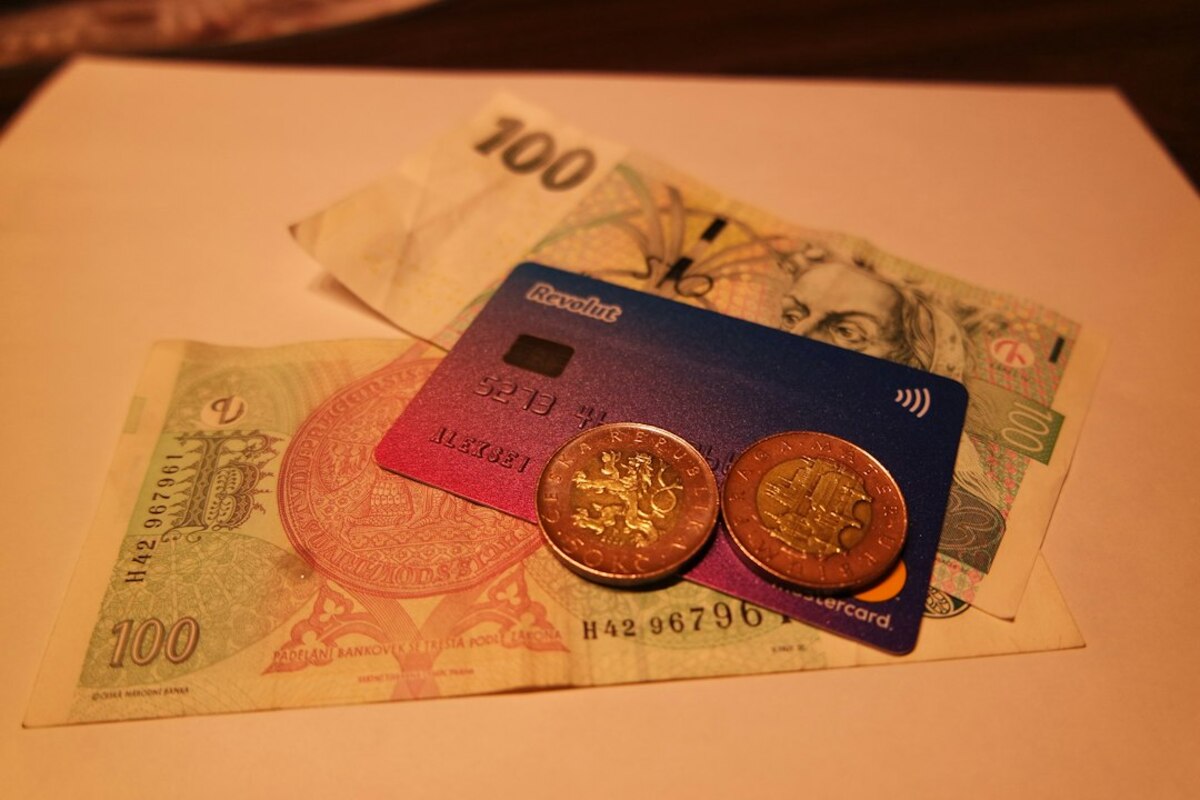
- Dynamic Currency Conversion (DCC) is when a merchant offers to charge your card in your home currency abroad—usually at a worse exchange rate.
- Choosing the local currency typically lets your bank/card network do the conversion, which is often cheaper and more transparent.
- You can avoid DCC with a few scripts and checks: watch the screen, ask for local currency, and confirm on the receipt before you tap.
That moment at the card machine: “EUR or USD?”
You’re in a café in Rome, a corner shop in Bangkok, or a hotel in Lisbon. You tap your card and—right before the payment goes through—the terminal flashes a question that feels oddly considerate:
“Do you want to pay in your home currency?”
It might show your home currency code (like USD, GBP, CAD, AUD) next to the local one (EUR, THB, etc.). Sometimes it’s phrased as “Convert with our guaranteed rate” or “Pay in your card’s currency for convenience.”
It’s tempting. Paying in your own currency sounds safer, like choosing the familiar menu item when you’re tired and jet-lagged. But this is often where travelers accidentally pay extra—without buying anything more.
This setup is called Dynamic Currency Conversion (usually shortened to DCC). It’s not a scam in the sense that it’s illegal everywhere—DCC is a real service. But it’s widely disliked because the “convenience” often comes with a quietly expensive exchange rate and extra margins built in.
Think of it like being offered a “fast lane” at the airport that costs more than you expected. You do get to move forward. You just pay for the privilege.

What DCC actually is (and who is doing the converting)
When you use your card abroad, somebody has to convert currencies. With DCC, the merchant (or their payment processor) does the conversion at the point of sale and charges you in your home currency. Without DCC, the charge is processed in the local currency, and then your card network and bank handle the conversion.
Here’s the simplest way to picture the two paths:
- If you choose local currency: The merchant charges you in local currency → Visa/Mastercard/Amex + your bank convert it → your statement shows the converted amount.
- If you choose your home currency (DCC): The merchant/processor converts it right there → you’re charged in your home currency at their rate.
Why does that matter? Because the merchant/processor’s rate is often worse than the rate you’d get through your card network. They can add a markup for “providing the service.” That markup is where the extra cost lives.
Also, DCC can make your costs feel “known” in the moment (you see a number in your home currency), but it can hide the fact that you’re paying an inflated exchange rate. It’s like seeing the total in your preferred units while the price per unit quietly went up.
A quick real-life style scenario
You buy a €50 dinner. The terminal offers:
- Pay €50 (local currency)
- Pay $58.50 (home currency with DCC)
$58.50 might look fine at a glance—until you realize your card network might have converted that same €50 to, say, $54–$56 depending on the day. The difference doesn’t feel dramatic for one dinner, but it adds up across a trip (especially with hotels, car rentals, and larger purchases).
| Payment choice | Who sets the exchange rate? | What you see at checkout | Common downside |
|---|---|---|---|
| Local currency | Card network + your bank | Local amount (e.g., €50) | Your bank may add a foreign transaction fee (separate issue) |
| Home currency (DCC) | Merchant/processor | Home amount (e.g., $58.50) | Often a worse exchange rate and extra markup baked in |
Important nuance: even if your bank charges a foreign transaction fee, DCC can still be worse because it stacks a bad exchange rate on top of everything else. In many cases, the best “default” is still: pay in local currency.
How to spot DCC before it bites (and what to say in the moment)
DCC isn’t always announced clearly. Sometimes it’s obvious (“Pay in USD?”). Other times it’s hidden behind buttons, quick taps, or a cashier who’s trying to be helpful—or trying to speed up the line.
Here are the common signs you’re being steered into DCC:
- The terminal shows two currency options. If you’re abroad and you see your home currency listed, pause.
- Words like “guaranteed,” “fixed,” or “guaranteed exchange rate.” Sounds comforting, often costs more.
- A home-currency amount appears before you’ve chosen anything. Some terminals preselect DCC and you have to change it.
- A receipt line mentioning “DCC,” “Markup,” or “Exchange rate applied by merchant.” If you see this after the fact, you’ve likely been converted at the terminal.
What to do: a tiny script that works
You don’t need to argue or explain financial theory at a checkout counter. You just need one clear sentence:
- “Please charge me in local currency.”
- “No conversion, local currency only.”
If the cashier says it’s the same either way, or that home currency is “better,” just repeat the preference. You’re not accusing anyone of anything—you’re choosing the billing currency.
If you’re tapping and the terminal is in your hands:
- Slow down. The screen often asks the question right before the final tap/OK.
- Look for options like “Local currency”, “Without conversion”, “Decline conversion”, or simply the local currency code (EUR/JPY/SEK).
- If there’s a “Yes/No” prompt about conversion, choose No.
Hotel and car rental desks: where DCC loves to hide
Larger bills are where DCC hurts more, and hotels are famous for it. You might see it when paying the final invoice, paying a deposit, or even when they “test” your card.
If you’re handed a terminal at checkout, take the same approach: local currency only. If they’re processing it behind the desk, it’s fair to ask:
- “Can you process that in [local currency] please?”
ATMs have their own version of DCC
Some ATMs offer to convert the withdrawal into your home currency and show you a “guaranteed” amount. This is the ATM version of DCC and is often extremely expensive.
The safe pattern is similar:
- If the ATM asks about conversion, choose Decline conversion (or proceed “without conversion”).
- Let your bank/card network handle the exchange rate.
Not always, but it’s the better default in most everyday situations. Local currency usually means the conversion uses the card network’s rate (often closer to the market rate). DCC frequently adds a markup. The exception would be rare cases where the merchant’s offered rate is genuinely competitive—still worth double-checking, because it’s uncommon.
Not always, but it’s the better default in most everyday situations. Local currency usually means the conversion uses the card network’s rate (often closer to the market rate). DCC frequently adds a markup. The exception would be rare cases where the merchant’s offered rate is genuinely competitive—still worth double-checking, because it’s uncommon.
A foreign transaction fee (often around 1–3%) is separate from DCC. DCC can effectively be a larger hidden cost via a worse exchange rate. Many travelers still come out ahead choosing local currency, even with a fee. If you travel often, a no-foreign-transaction-fee card can reduce the cost further, but it doesn’t make DCC “good.”
A foreign transaction fee (often around 1–3%) is separate from DCC. DCC can effectively be a larger hidden cost via a worse exchange rate. Many travelers still come out ahead choosing local currency, even with a fee. If you travel often, a no-foreign-transaction-fee card can reduce the cost further, but it doesn’t make DCC “good.”
Sometimes. The best chance is immediately: ask the merchant to cancel and re-run the transaction in local currency. After it posts, you can contact your card issuer and ask about dispute options, but outcomes vary. It’s easier to prevent than to reverse—so slowing down at the terminal is your strongest move.
Sometimes. The best chance is immediately: ask the merchant to cancel and re-run the transaction in local currency. After it posts, you can contact your card issuer and ask about dispute options, but outcomes vary. It’s easier to prevent than to reverse—so slowing down at the terminal is your strongest move.
A practical “travel day” checklist you can actually remember
- At shops/restaurants: choose local currency, decline conversion.
- At hotels: say “local currency only” for deposits and final bills.
- At ATMs: decline conversion, proceed without conversion.
- If rushed: pause anyway—DCC is a “last screen” trick.
Once you know what DCC looks like, it becomes surprisingly easy to avoid. The trick is recognizing that the friendly-looking home-currency option is often the expensive one—and giving yourself permission to pick the local currency even if the terminal makes it feel like the unusual choice.